 Home
Home Let's Talk
Let's Connect
X



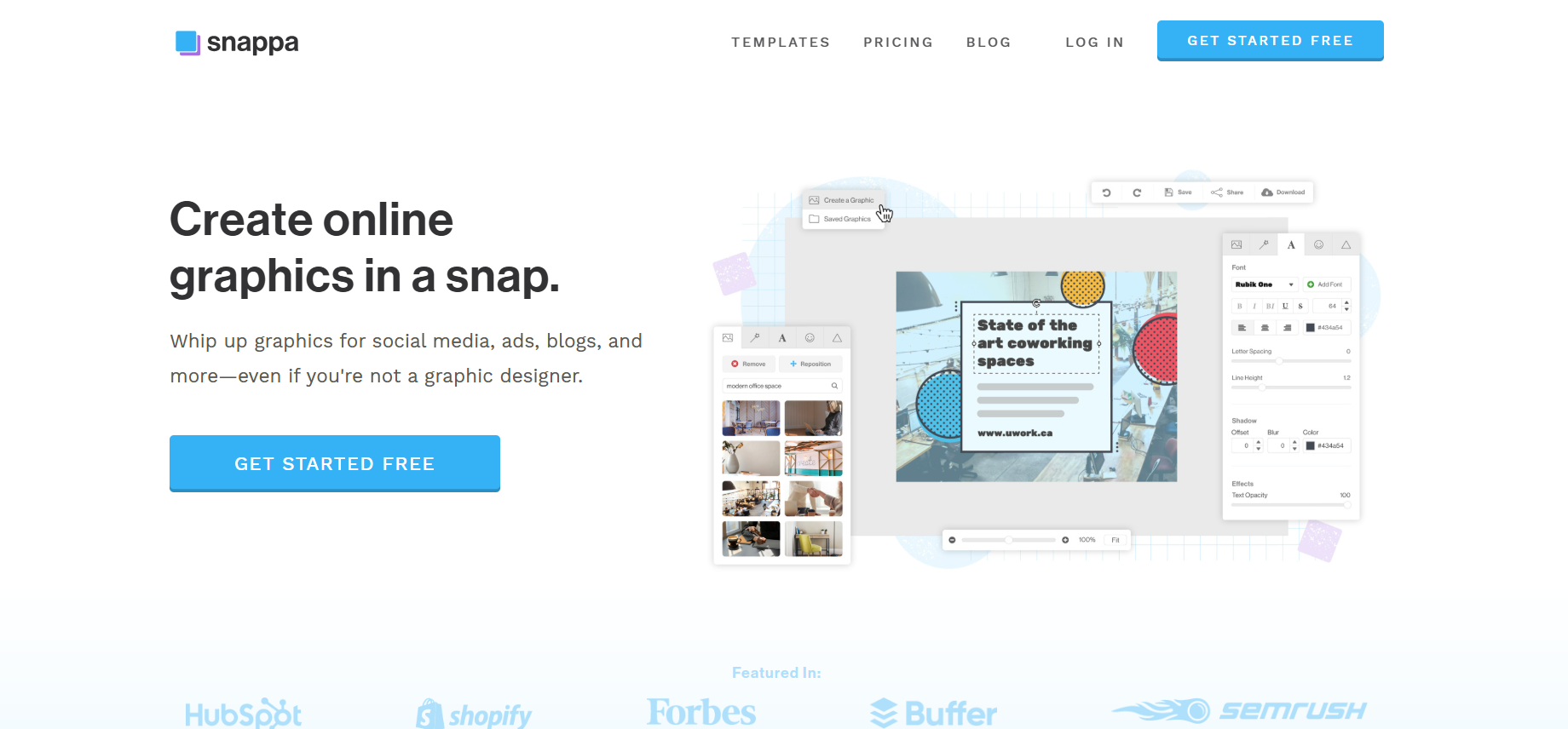
Here are the core features of Snappa, a user-friendly online graphic design tool ideal for marketers, bloggers, and small teams:
Drag‑and‑Drop Interface: Effortlessly place text, images, icons, and shapes onto your design canvas — no design skills required.
Image Effects & Filters: Apply overlays, adjust brightness, blur, saturation, hue, and contrast for a polished look.
Vast Template Library: Access thousands of professionally designed templates for social posts, ads, blog headers, infographics, and more.
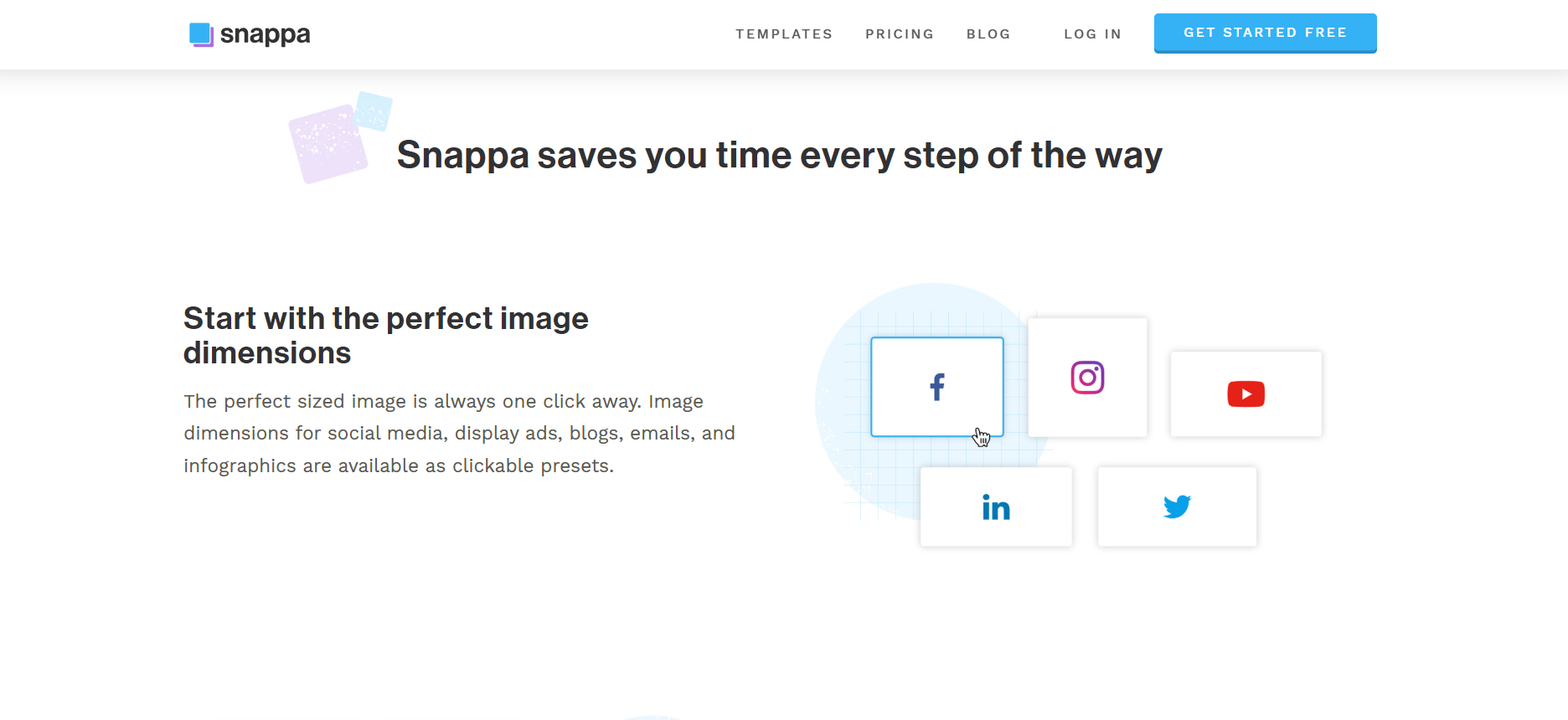
Instant Size Presets & Custom Dimensions: Choose the perfect size for any platform or specify your own canvas dimensions.
5+ Million Free Stock Photos & Graphics: Incorporate high-resolution assets directly within Snappa.
Icon & Vector Library: Over 100,000 shapes and graphics for enhanced visual appeal .
Magic Background Remover: Remove unwanted backgrounds in one click (Pro/Team plans) .
One‑Click Resizing: Repurpose a design across platforms instantly (e.g., Instagram post → Twitter banner) .
Social Media Integration: Publish or schedule posts to Facebook, Twitter, LinkedIn, and more directly from Snappa (via Buffer integration).
Team Collaboration: Share designs and brand assets, manage fonts/colors, and collaborate in real time — perfect for small teams.
Custom Brand Kit: Upload your own fonts, colors, and logos to maintain brand consistency .
Organize Designs: Group creations into folders for efficient asset management .
High-Res Downloads: Export designs as PNG, JPG, or transparent PNGs (Pro/Team) .
Ready-Made for Email & Web: Export with custom dimensions and sizing presets .
Web-Based & Beginner-Friendly: No install needed — intuitive UI gets you designing fast .
Support Resources: Includes tutorials, knowledge base, and guides to help you master the tool .
| ✅ Pros | ⚠️ Cons |
|---|---|
| Extremely easy for non-designers | Lacks advanced editing features |
| Large template & asset library | Only PNG/JPG export available |
| Quick resizing & background removal | No mobile app |
| Real-time collaboration & brand kit | Workflow integrations are basic |
| Affordable plans with free tier |
Snappa is a browser-based graphic design tool tailored for non-designers—like marketers, bloggers, and small business owners. It provides a simple drag-and-drop editor, thousands of ready-made templates, and access to millions of free stock images. Snappa allows quick background removal, automatic resizing for different platforms, and easy sharing or scheduling of visuals—making professional-quality graphics fast and accessible.
 4.5 ( reviews)

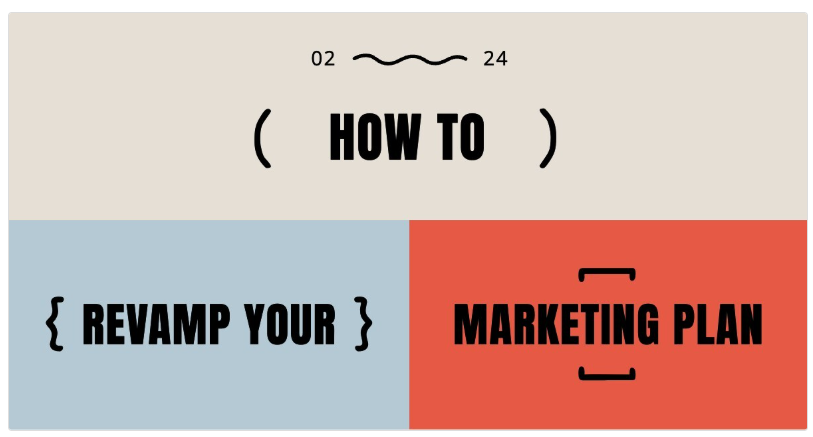
It’s a new year, so you know it’s time for a new marketing plan. That doesn’t mean you need to chuck your entire existing strategy out the window; we’d actually probably recommend against that. But now is the time, if you haven’t already, to reassess what was working, consider your ...
 150
150
Christopher Gimmer-Co-founded Snappa in 2015 alongside Marc Chouinard with the vision of simplifying graphic design for non-designers. Previously bootstrapped and scaled startup projects (like StockSnap.io and BootstrapBay), using those learnings to build Snappa. Frequently highlights his entrepreneurial journey—from leaving a government job to crafting a tool that empowers marketers and small business owners.
 Veed
5/5
Veed
5/5  Invideo
5/5
Invideo
5/5  Techsmith
5/5
Techsmith
5/5  Optinmaster
5/5
Optinmaster
5/5  Style AI
5/5
Style AI
5/5  HeyGen
5/5
HeyGen
5/5  Runway
5/5
Runway
5/5  ImgCreator AI
5/5
ImgCreator AI
5/5  Morphstudio
5/5
Morphstudio
5/5  Notta
5/5
Notta
5/5 
 visit
visit
