 Home
Home Let's Talk
Let's Connect
X



📝 Top Features of Otter.ai
1. Real‑Time Transcription & Live Captions
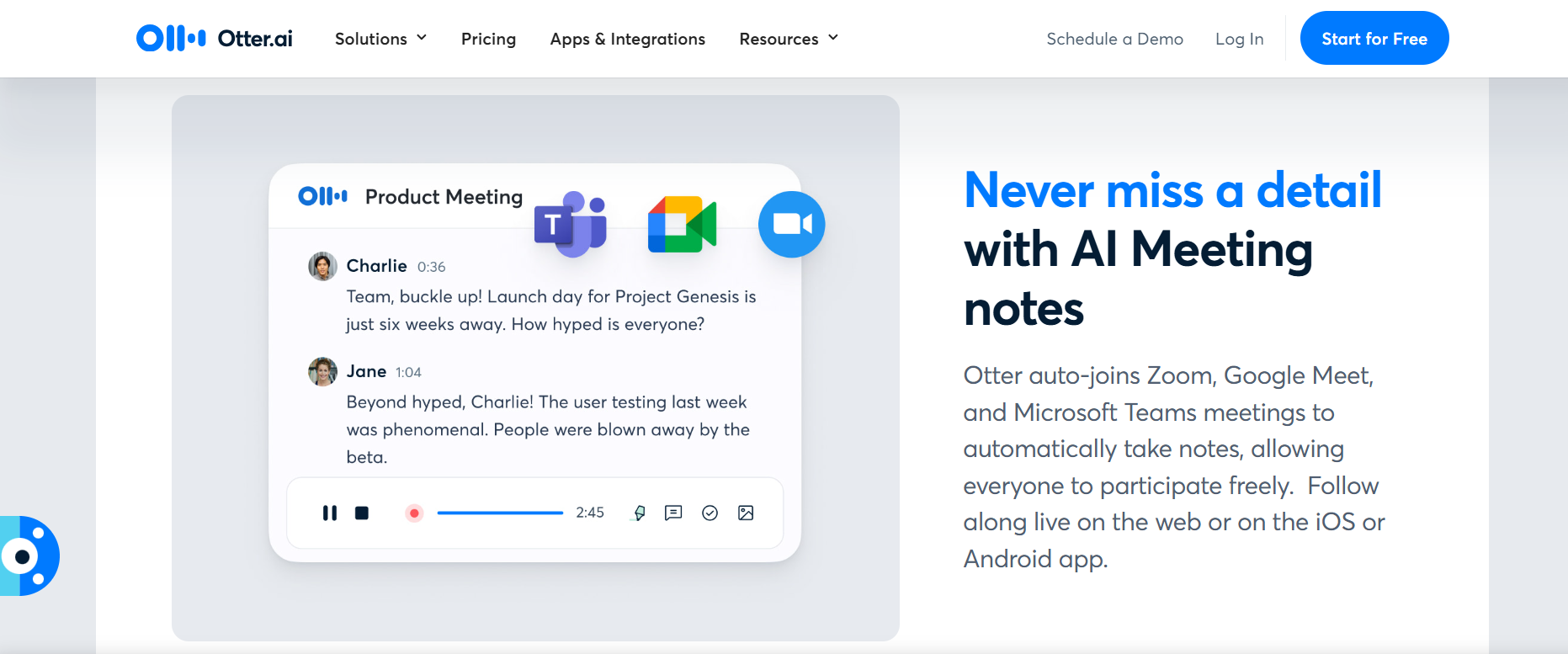
Automatically joins Zoom, Google Meet, and Microsoft Teams meetings, transcribing speech in real time. Live captions support improves comprehension and accessibility during calls businessinsider.com+1510web.io+15digitaltopical.com+15okeiai.com+5help.otter.ai+5ciroapp.com+5.
2. OtterPilot (Auto‑Joining & Summarization)
Connects your calendar to automatically join meetings, capture slides/screenshares, and generate after-call summaries with key topics and timestamps help.otter.ai+1en.wikipedia.org+1.
3. Speaker Identification & Custom Vocabulary
Recognizes and labels different speakers (with name-tagging support), and allows users to add specific terms or jargon to improve transcription accuracy techgd.co.in+410web.io+4reddit.com+4.
4. Automated Meeting Summaries & Action Items
Uses AI (Otter AI Chat) to generate concise summaries, highlight key action items, and populate a “Meeting Gems” section or bullet outline otter.ai+15otter.ai+15digitaltopical.com+15.
5. Interactive Transcripts & Collaboration Tools
Highlights, comments, and tagging inside transcripts; keyword search; shareable links/groups; and real-time editing help teams collaborate efficiently businessinsider.com+15spoke.app+15otter.ai+15.
6. Automated Slide Capture
Graphs slide images and screen-share screenshots directly into meeting notes, making visuals searchable and contextually linked to the transcript reddit.com+3otter.ai+3spoke.app+3.
7. AI Chat Q&A & Voice‑Activated Meeting Agent
Otter Chat lets users ask questions from transcripts post-meeting. The new Otter Meeting Agent can now respond to queries vocally during calls, schedule follow-ups, and draft emails based on meeting data axios.com+2theverge.com+2nichepursuits.com+2.
8. Integration & Workflow Automation
Syncs with Zoom, Teams, Meet, calendars, Dropbox, Slack, Salesforce, HubSpot, SharePoint, and more—streamlining note sharing and follow-up workflows .
✅ Why Users Love Otter.ai
Saves time by automating note capture, summarizing, and slide extraction
Supports accurate, searchable transcripts with speaker-level detail
Enhances accessibility via live captions and multilingual support
Drives productivity with real-time Q&A and AI assistance during meetings
Integrates seamlessly with teams’ existing tools and workflows
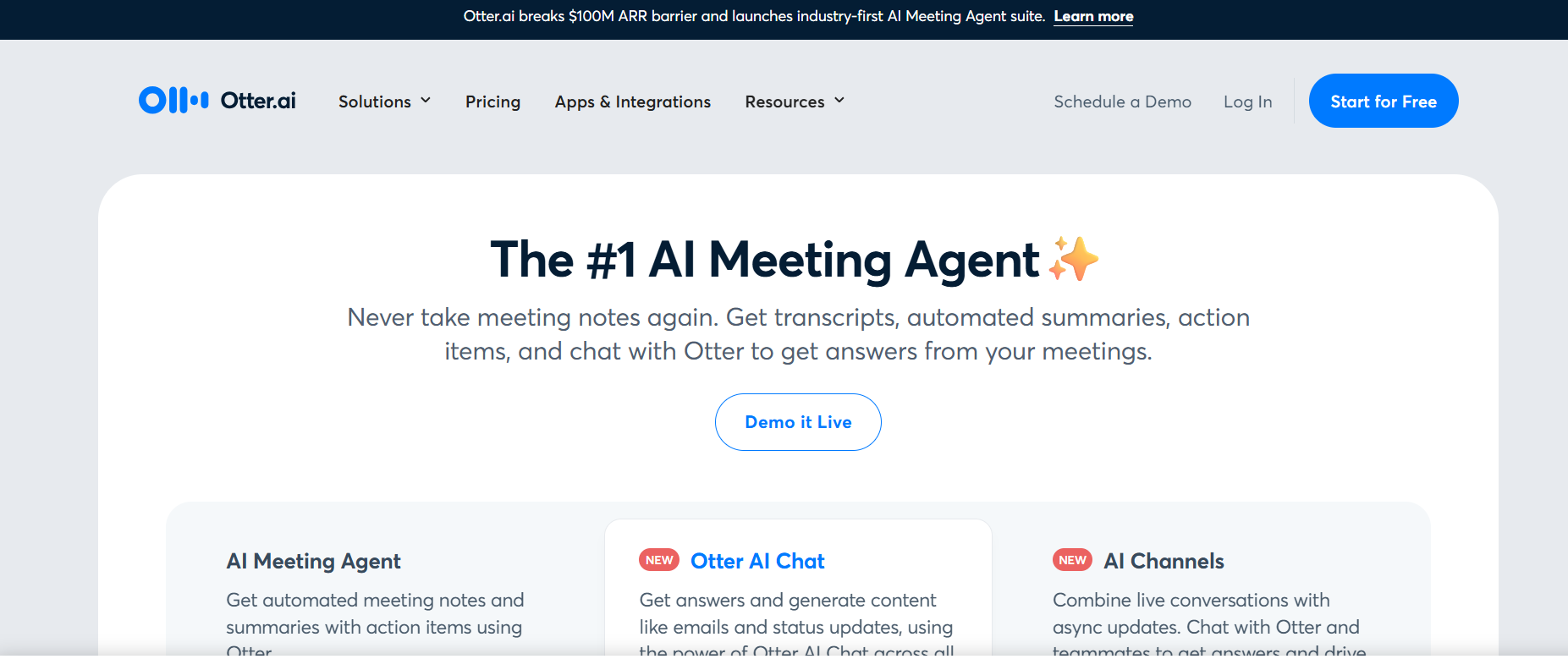
Otter.ai is an AI-powered meeting assistant that automatically joins meetings, provides real-time transcription with speaker identification, captures slides, and generates concise summaries and action items—helping users focus without missing key details in Zoom, Teams, or Google Meet calls.

 4.5 ( reviews)

Sam Liang is the co-founder and CEO of Otter.ai. Before Otter.ai, Sam was the founding CEO of Location Labs (acquired for $220M), and the architect behind Google’s blue dot you see every time you open Google Maps. He has a classic Silicon Valley background: Stanford PhD, Google early days, multiple ...
 150
150
Sam Liang is the co‑founder and CEO of Otter.ai, the AI-driven transcription and meeting assistant launched in 2016. With a Ph.D. from Stanford, he previously led the Google Maps location services team and founded Alohar Mobile (later acquired by Alibaba). Since founding Otter (originally AISense), Liang has guided its evolution into a real-time meeting tool with live transcriptions, AI summaries, and OtterPilot auto‑meeting joining, serving millions and processing hundreds of millions of calls.
 Fireflies
5/5
Fireflies
5/5  Tidio
5/5
Tidio
5/5 
 visit
visit